
Images & Videos
how to use media files
Image Block
Embed as:
Photo
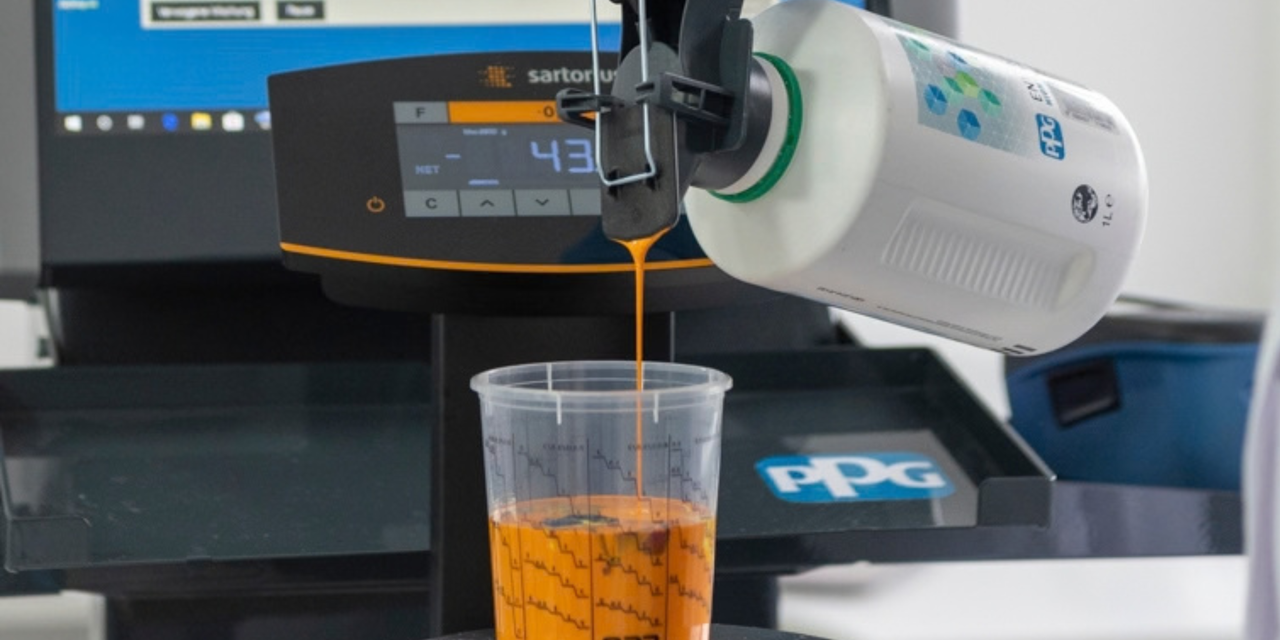
- full width
- left-aligned
Icon

Size
- large (full width)
- medium (two-thirds)
- small (one-third)
Alignment
- left,
- center,
- right
Video
Desktop Mode
- Embedded - The video is integrated into the block sequence
- Overlay - The video “floats” over the other content and hides it
Size / Width
- in percent or pixels (percent is recommended)
Other Settings
- Autostart - on / off
- Button Text - Label for the “Play Again” button for overlay videos
- Show CTA Button - displays a button above the overlay video
CTA Settings
- Link Text - text for the CTA button
- Link Type - Content Type (specifies a content page; defaults to the current page), External URL (link to an external URL), Document Download (links to a downloadable file)
- Open in new tab - opens the link in a new browser tab